PRACTICAL GUIDE
How to review your trades
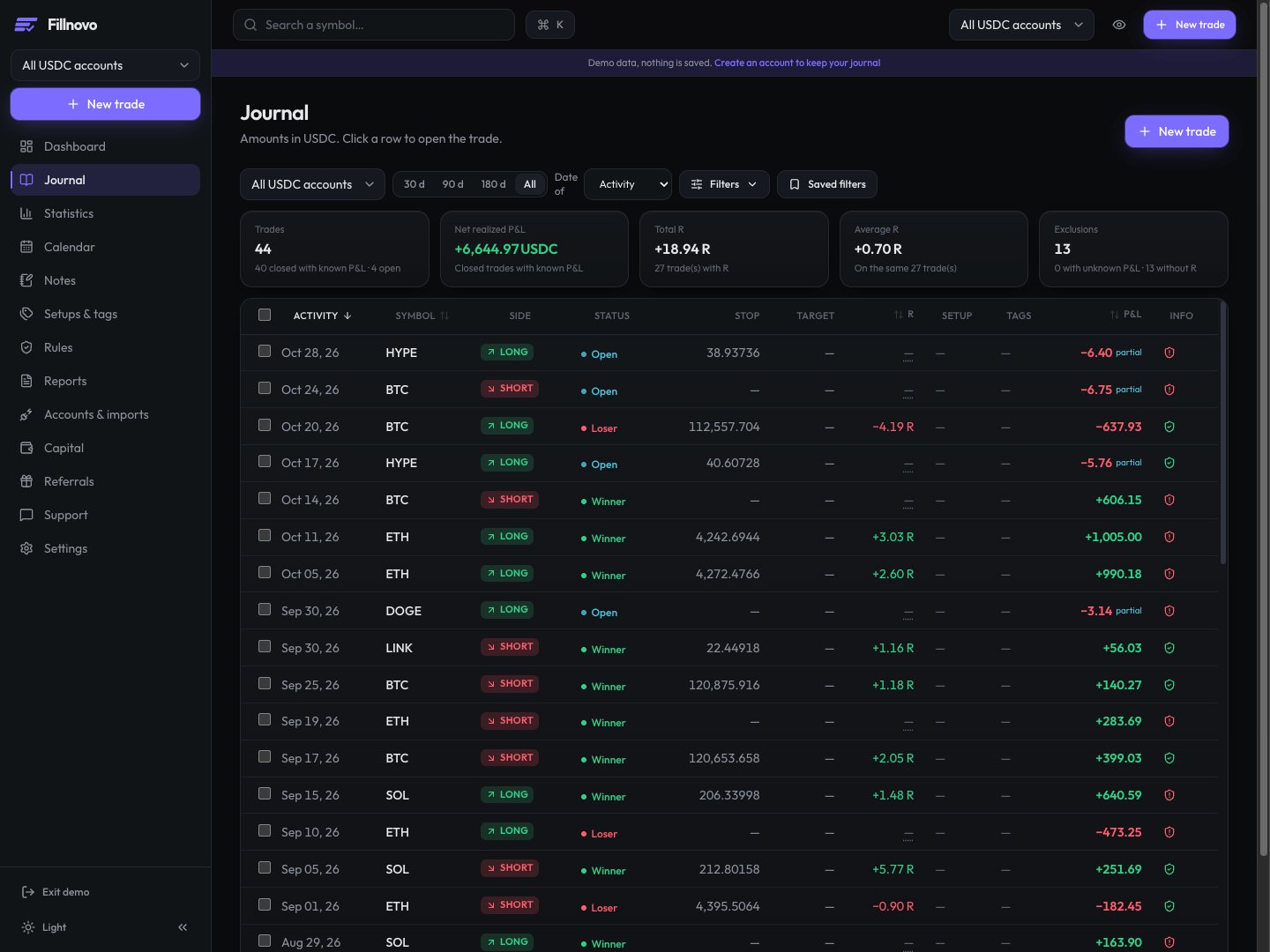
A trade review compares what you planned with what you executed, then identifies a question to follow up. In Fillnovo, start in the Journal, open the relevant trades and compare results with your notes, screenshots, setups and rules.
- 1. Define a repeatable selection
- 2. Separate outcome from following the plan
- 3. Keep an observation to verify
1. Define a repeatable selection
Choose an account, a period and the same date basis for each review. Record closed-trade counts and exclusions. Examine winners and losers: selecting only the largest results distorts the observation. If an entry or fees are missing, correct the data before interpreting the result.
2. Separate outcome from following the plan
Open a Journal row and review the trade context. Compare your initial note with actual executions. Record a specific fact: entry before the planned signal, exit following the plan, or missing information. A winning trade can break a rule; a losing trade can follow it. Do not rewrite your original intention in light of the outcome.
3. Keep an observation to verify
Finish with an observation, the relevant trades and a question for the next review. Keep it in your notes or report. Use the same criteria next time, without changing several rules based on a small sample. A dated screenshot helps recover what you saw when making the decision.
Example review note
- Fictional observation: “Of 8 reviewed trades, 3 entries preceded my planned signal. I attach their screenshots and keep my original notes.”
- Follow-up question: “At the next review, do my notes let me verify the signal before each entry?” This creates an observable checkpoint, not a promise of profitability.